Video Management System Integrations
VisualCortex has the ability to integrate with several Video Management Systems (VMS's). This allows deeper integration with existing systems, and facilitates a range of extra functionality. Not every Video Management System supports every feature. See the compatibility list below for support for your VMS.
Functionality offered
Native Streaming
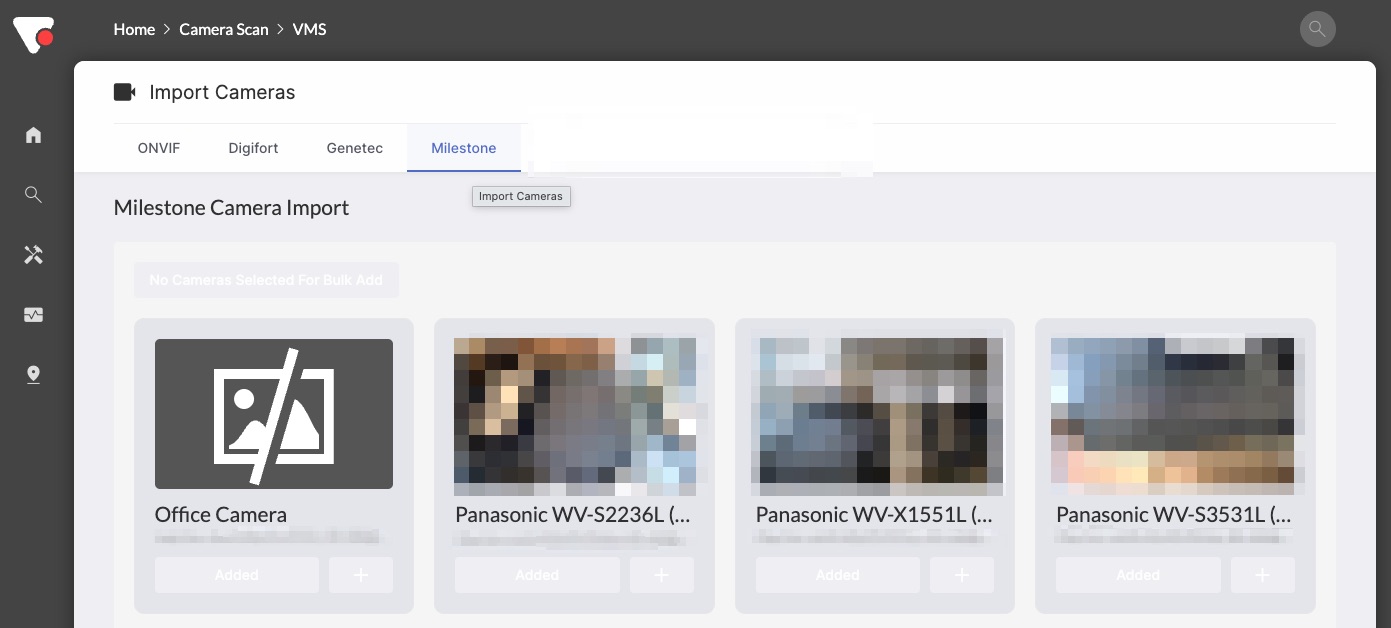
Native Streaming means that VisualCortex can natively add a live camera stream from the Video Management System. Where available, VisualCortex will always try and use a native connection type (if offered). When enabled for a VMS integration, users will be able to perform camera scans by going to the "Camera Scan" section, and clicking on the integration.
Embedded Access
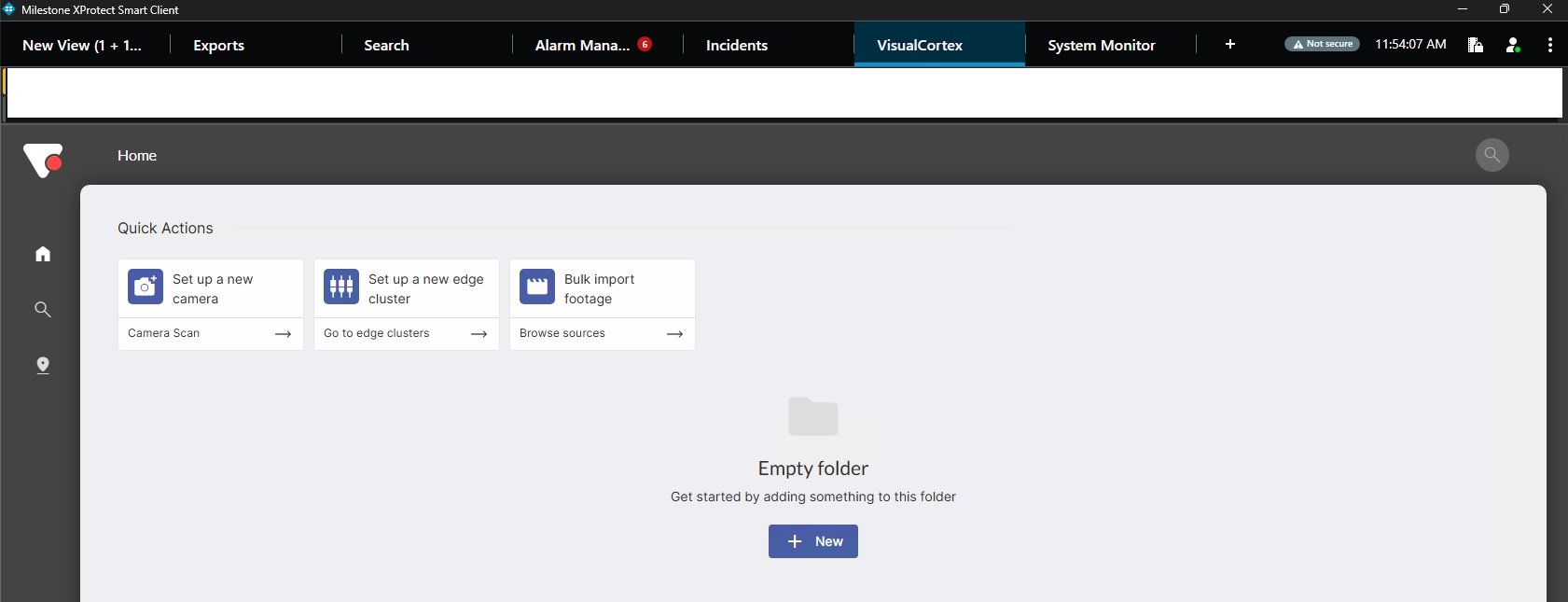
For VMS's which support embedded access, the VisualCortex interface can be made available as part of that VMS. This means that operators who are generally familiar with a particular VMS don't need to open a separate web browser in order to interact with VisualCortex.
Embedded access will pass through the authentication information (where supported) from the VMS client into VisualCortex. There are also options to automatically provision users and groups from these integrations.
Import Footage
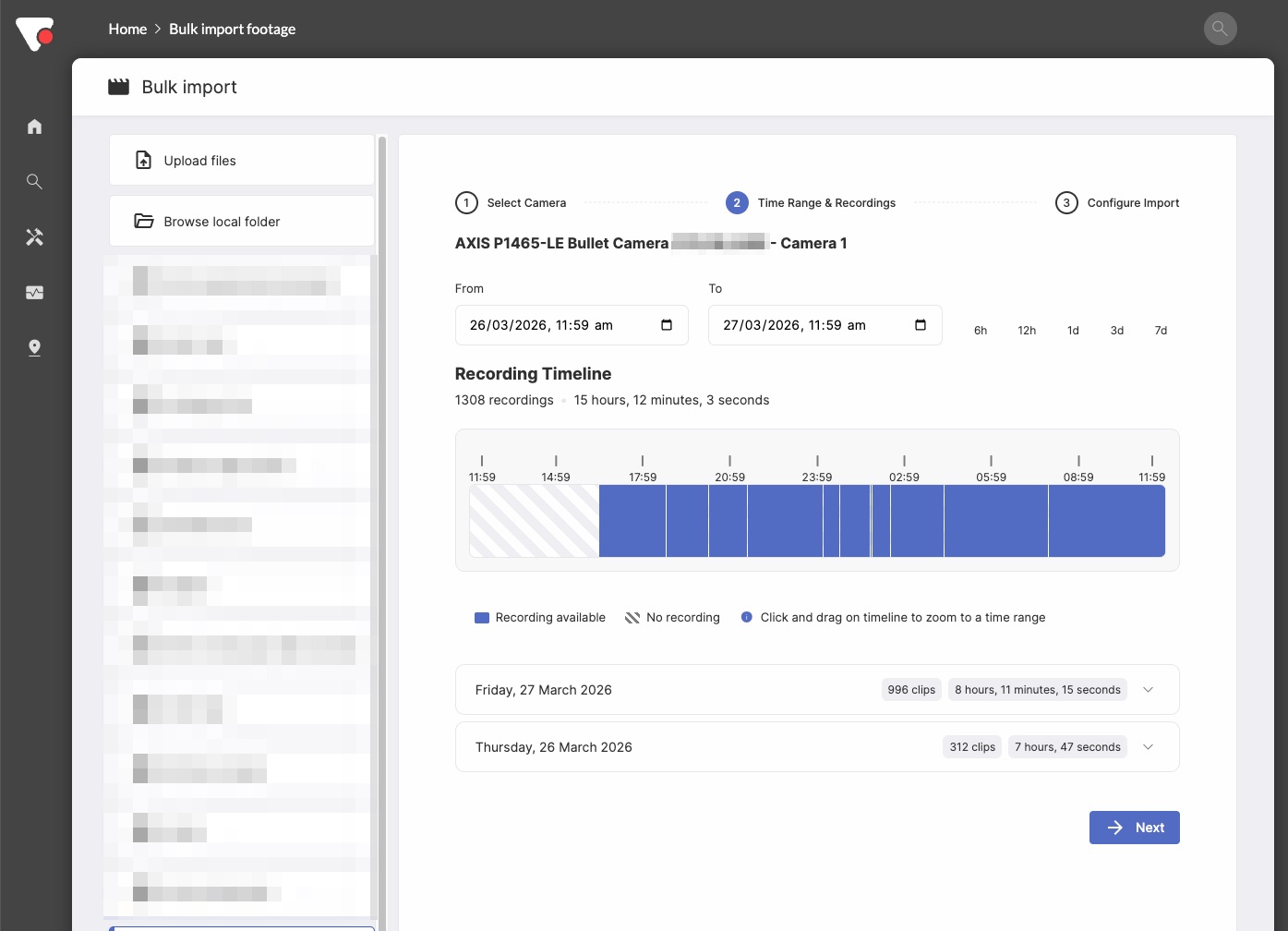
When a VMS supports importing footage, VisualCortex can reach out to the VMS and import footage directly from it, without manual exports and imports having to be performed. It's important to note that this creates a copy of the footage on the Edge Cluster allocated to the VMS; it is not a reference. The motivation for this is so that footage for offline investigations can persist, even if the VMS clears footage after a certain period of time.
Thumbnail Generation
Thumbnail generation allows Live Investigations to use the VMS for thumbnail and video generation. In practice, this means that all image and video data are 100% stored on the VMS, but still accessible through the Main Investigations screen.
Integrated Alerts
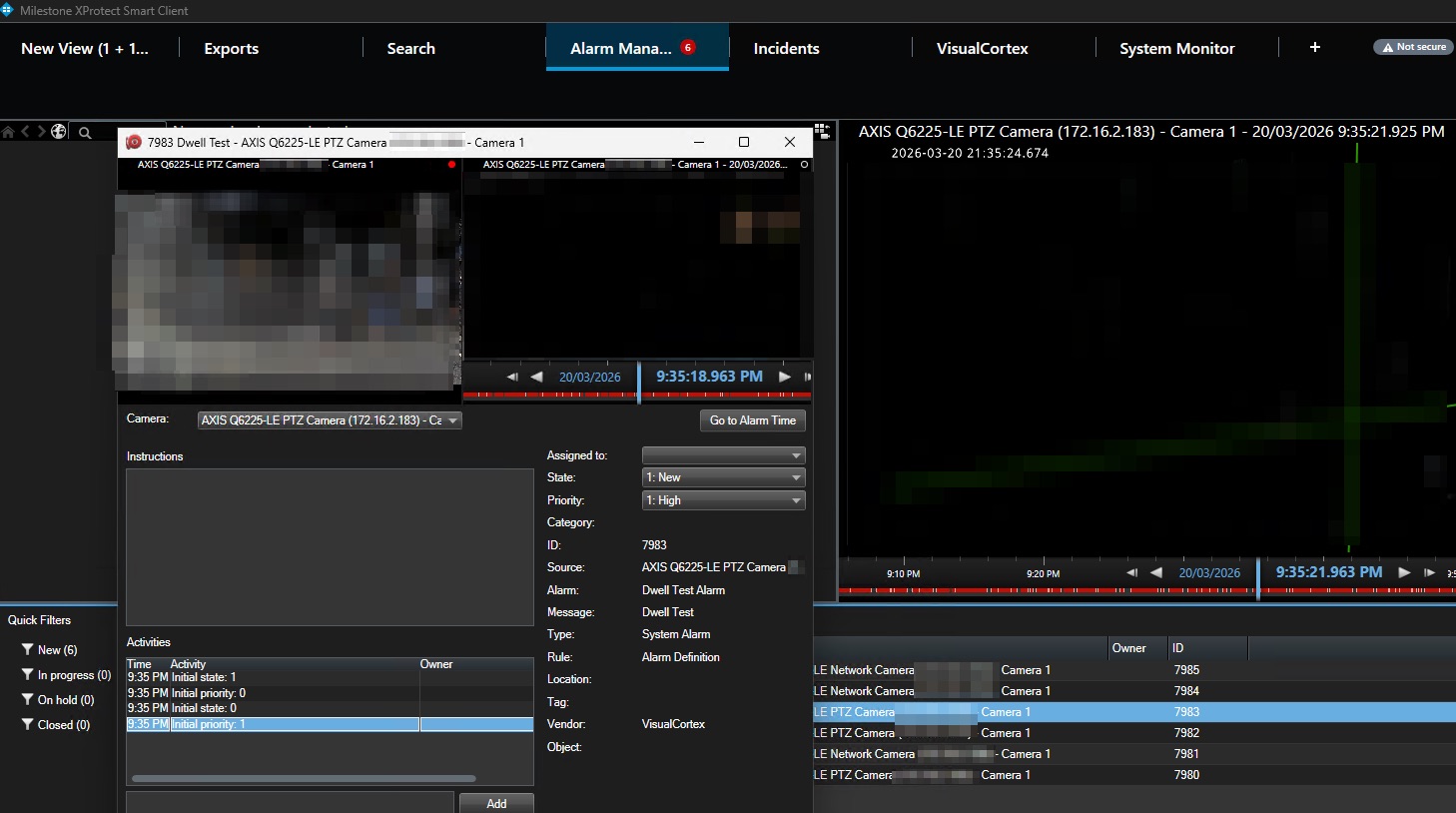
When Integrated alerts are enabled, VisualCortex will show the VMS as an Alert Target. When VisualCortex sends an alert to this alert target, this alert shows up in the Video Management System's alerting or alarm interface.
Support Matrix
| System | Native Streaming | Embedded Access | Import Footage | Thumbnail Generation | Integrated Alerts |
|---|---|---|---|---|---|
| Milestone | ✅ *1 | ✅ Installer | ✅ | ✅ | ✅ |
| Milestone AI Bridge | ✅ | ✅ | ✅ *2 | ✅ | |
| Genetec | ✅ *3 | ✅ | |||
| NX Witness Cloud | ✅ | ||||
| Digifort | ✅ *4 | ✅ | ✅ | ✅ |
- Milestone Native Streaming prior to release 5.19 uses the Open Network Bridge on port 554. Post 5.19, it uses the ImageServer protocol on port 7563
- Due to the limitations of the AI Bridge, thumbnails for investigations are quite slow. Recommend using Native Milestone where possible
- You will need to enable the Genetec Media Gateway for this to work. This is sometimes licensed separately.
- When streaming, Digifort re-encodes RTSP streams. Be aware that this can significantly increase your server load.